Stop being the
wedding help desk.
Everything your people need to know, in one beautiful guide they can open on their phone. So you can get ready, laugh with your favourite people and actually be there on the day.
- Instant access
- Free Canva account is all you need
- FULLY EDITABLE (Make it yours!)
Clean. Simple. Easy!
The part no one talks about
You planned it all. So every question comes to you.
The details are scattered across emails, screenshots, group chats and your own head. Then the morning arrives, your phone starts buzzing, and you become the answer to everything.
- “What time do I need to be there?”
- “Where am I actually going?”
- “Who's picking up the flowers?”
- “Am I in the family photos?”
- “What's the photographer's number?”
- “Wait, what am I meant to be doing?”
There's a much easier way.
The Game Plan
One guide. Every answer. Always one tap away.
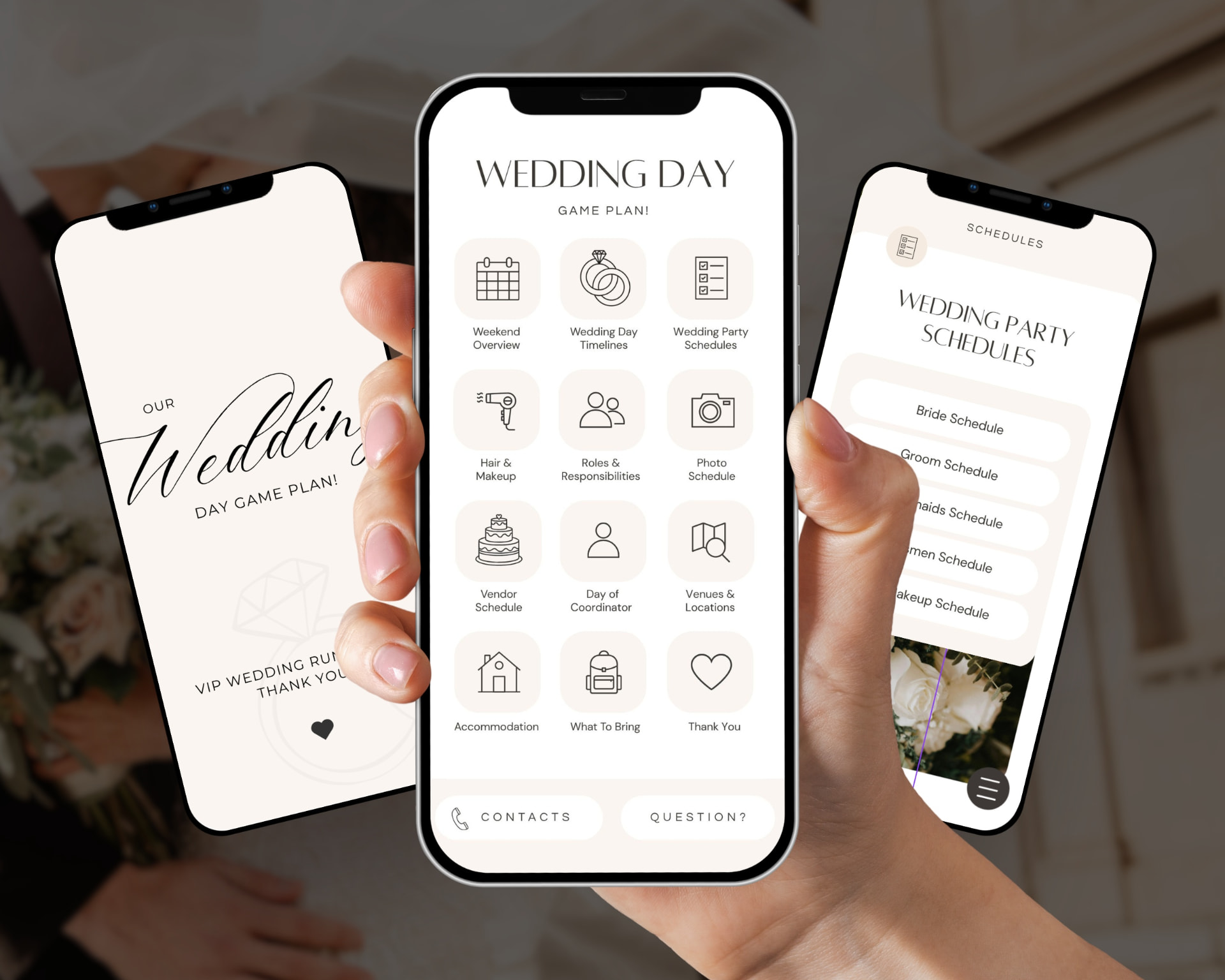
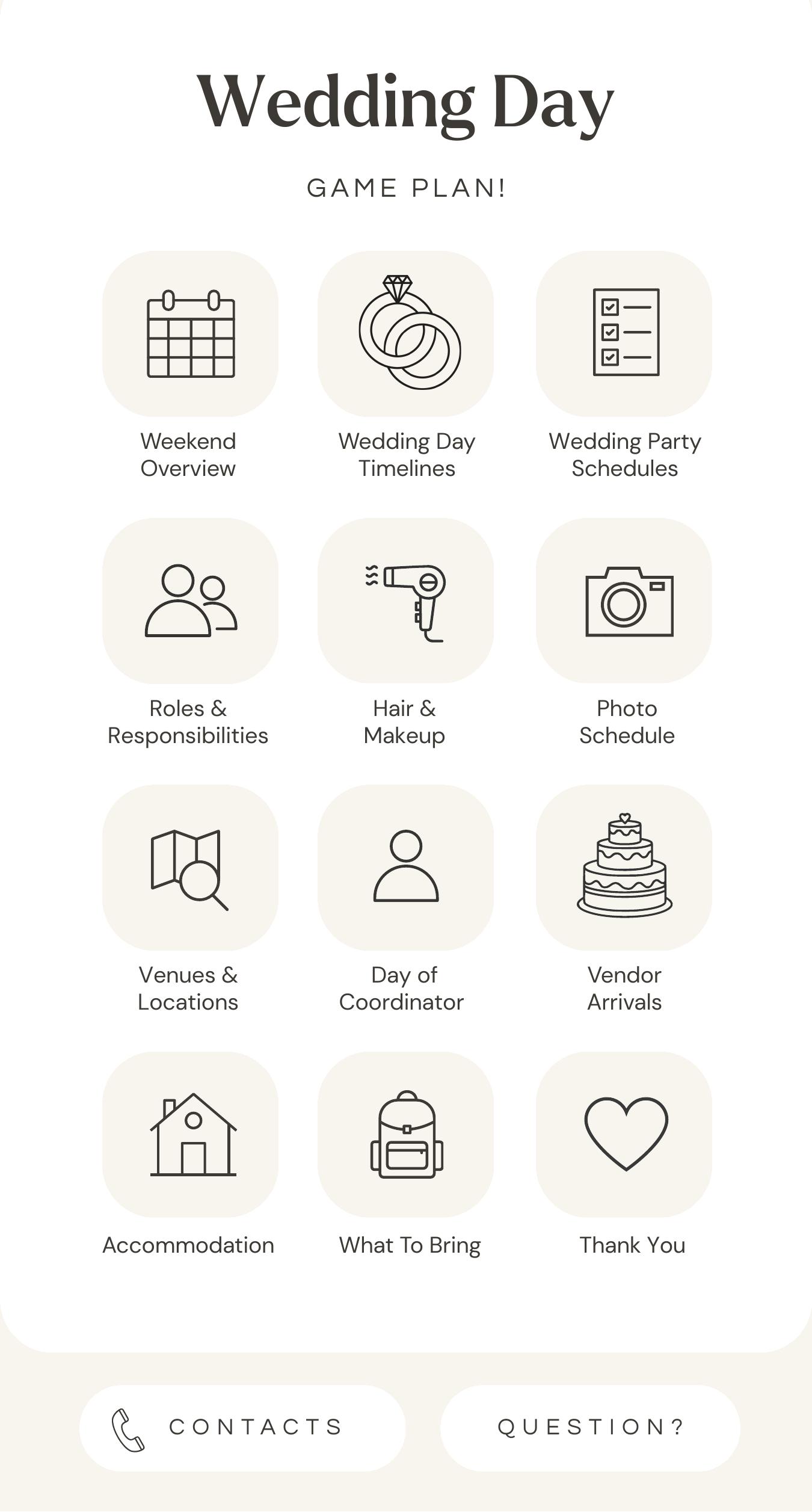
Your Game Plan opens like a little wedding app. A main menu leads to every section, and a menu button sits on every page so anyone can hop straight back. No app store, no logins, no explaining how it works.
- Tap a menu button to jump to any section
- Tap the menu icon on any page to come back
- Tap a phone number to call, or an address to open maps
- Share it once and everyone has the same details
The handover
From answering everything to enjoying everything.
Without a Game Plan
- Every detail lives in your head, your notes app and five group chats
- Your phone starts buzzing before you've had breakfast
- You explain the same timing to five different people
- Someone arrives late because no one had the address
- You spend the morning coordinating instead of getting ready
With your Game Plan
- One guide, shared once, with everything in it
- Your people look it up themselves instead of asking you
- Phone numbers tap to call and addresses open in maps
- Everyone knows where to be and what they're doing
- You get ready with your favourite people, phone quiet
Less answering. Less remembering. More being there.
See it in use
Watch the Game Plan in action.
A quick look at how the menu, pages and tappable links feel on a phone.
What's included
Every part of the day, sorted.
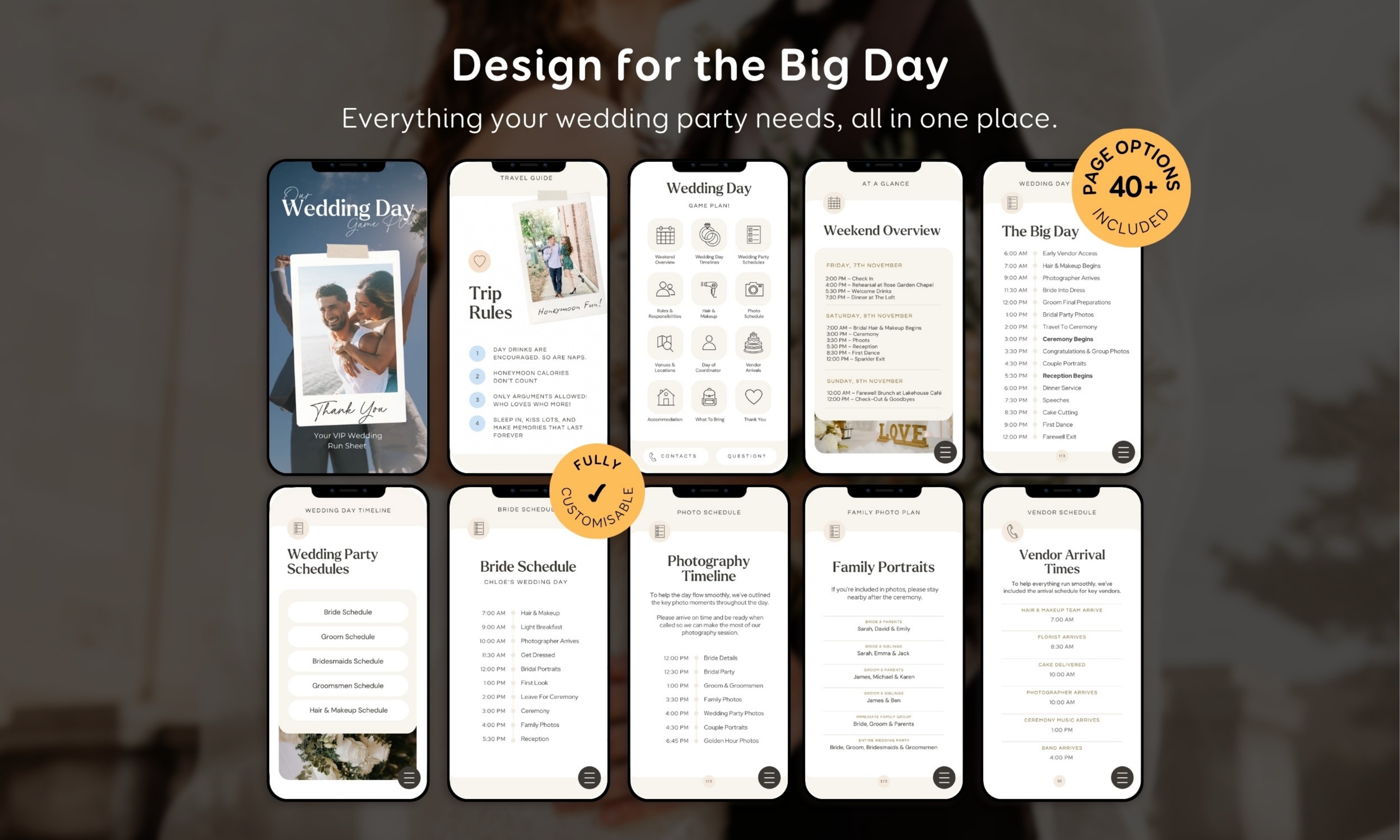
Pages for the planning, the people and the logistics. Use the ones you need and delete the rest.
Planning
- Weekend Overview
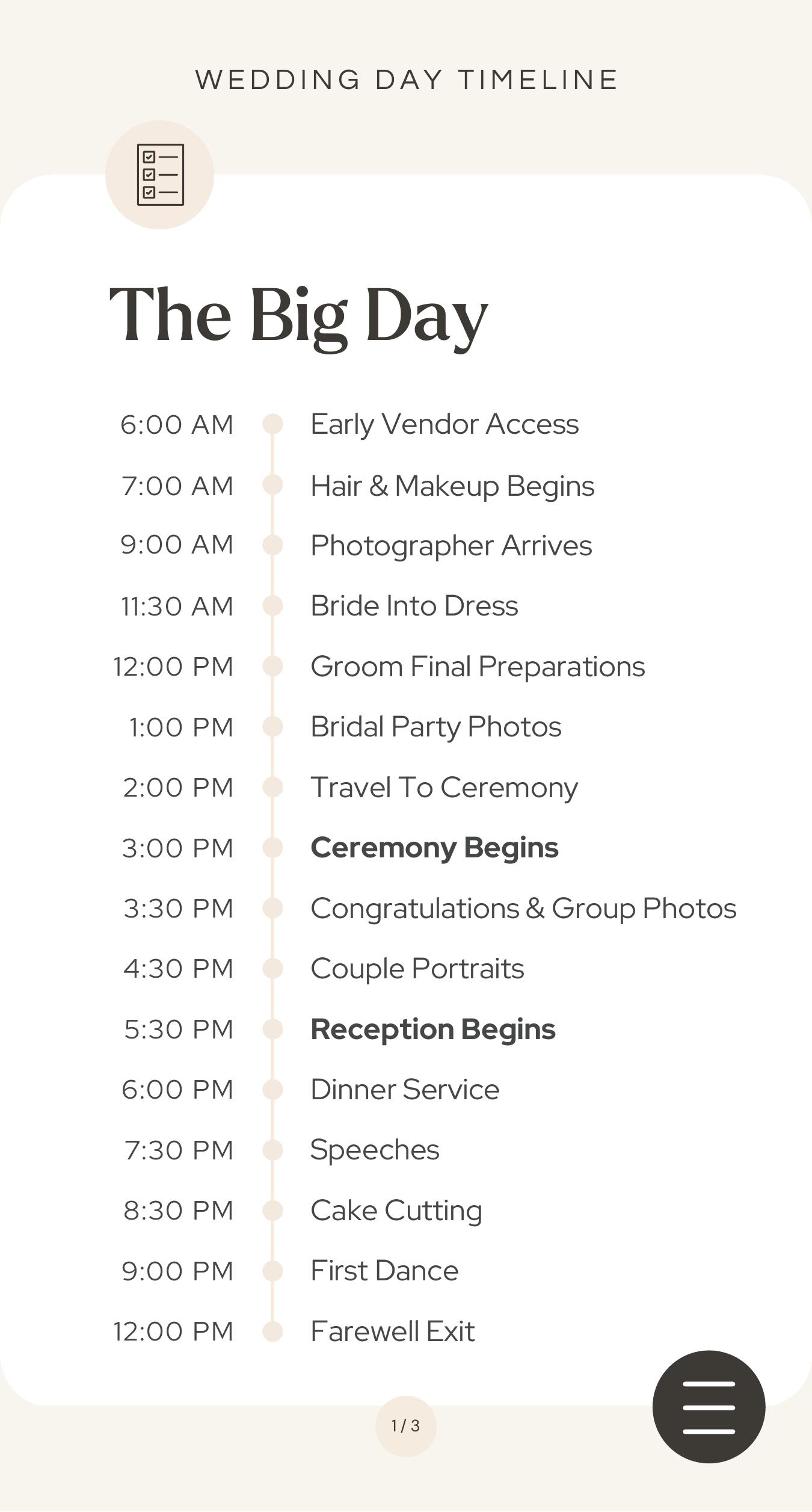
- Wedding Timeline
- Personal Schedules
- Photography Timeline
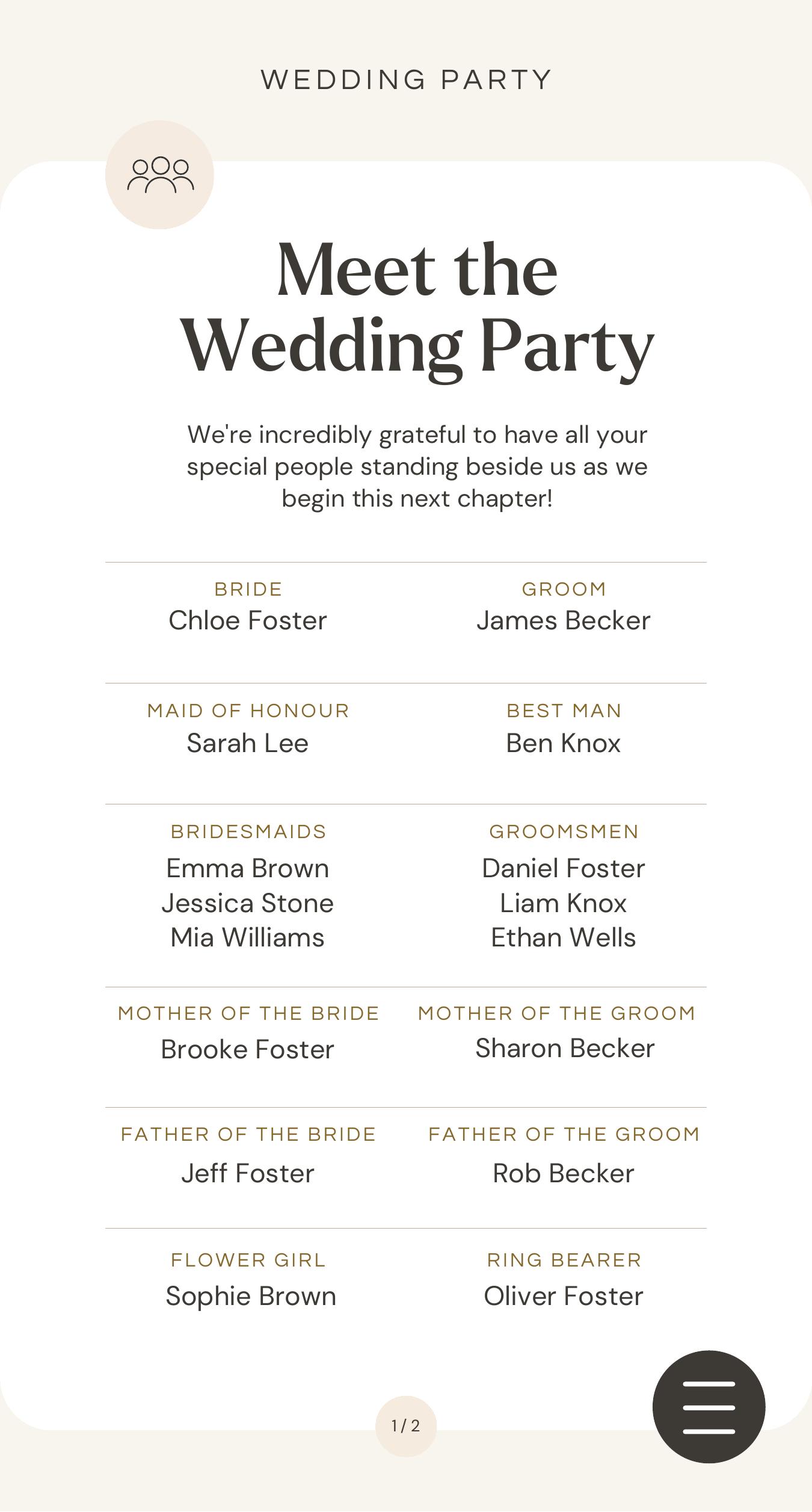
Wedding Party
- Bridesmaids
- Groomsmen
- Roles & Responsibilities
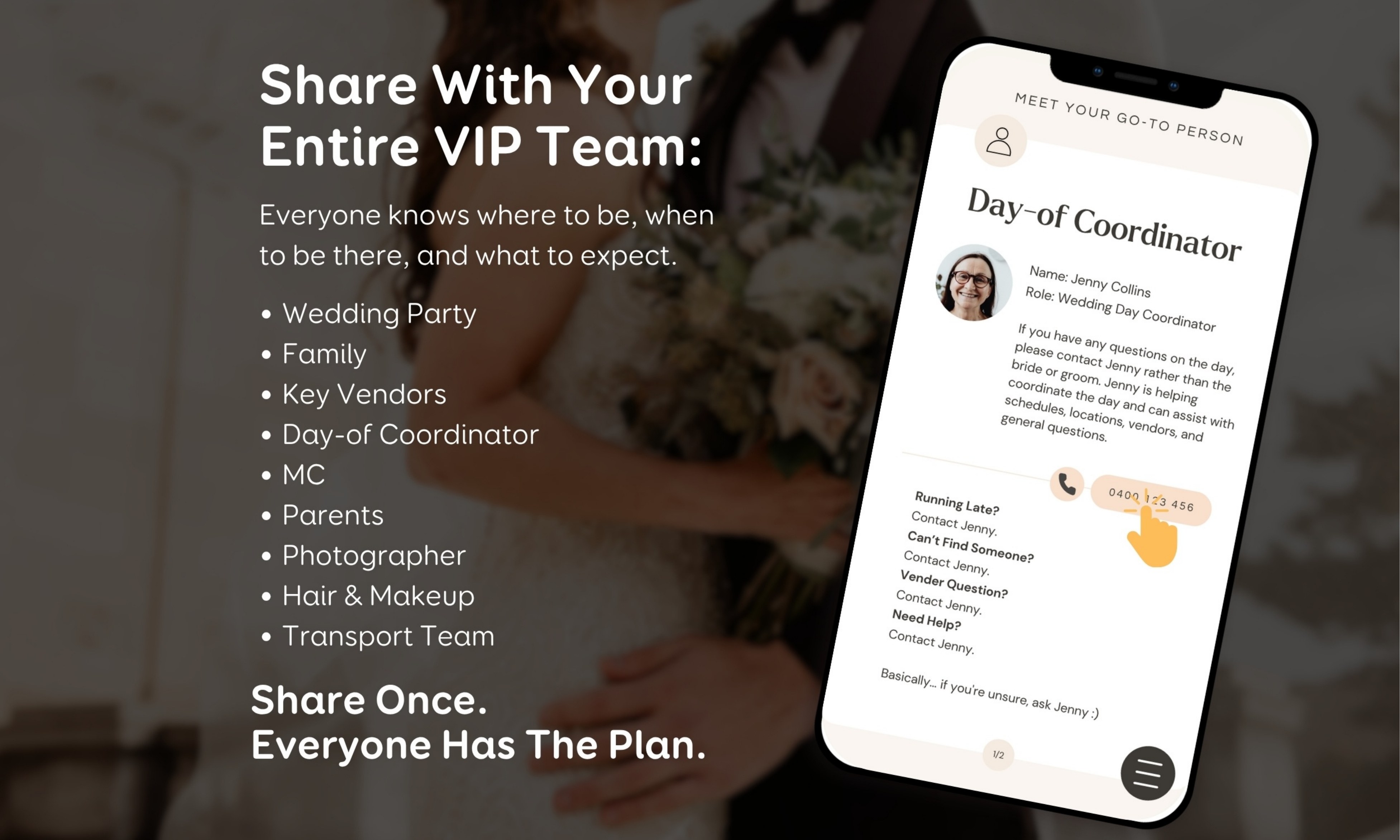
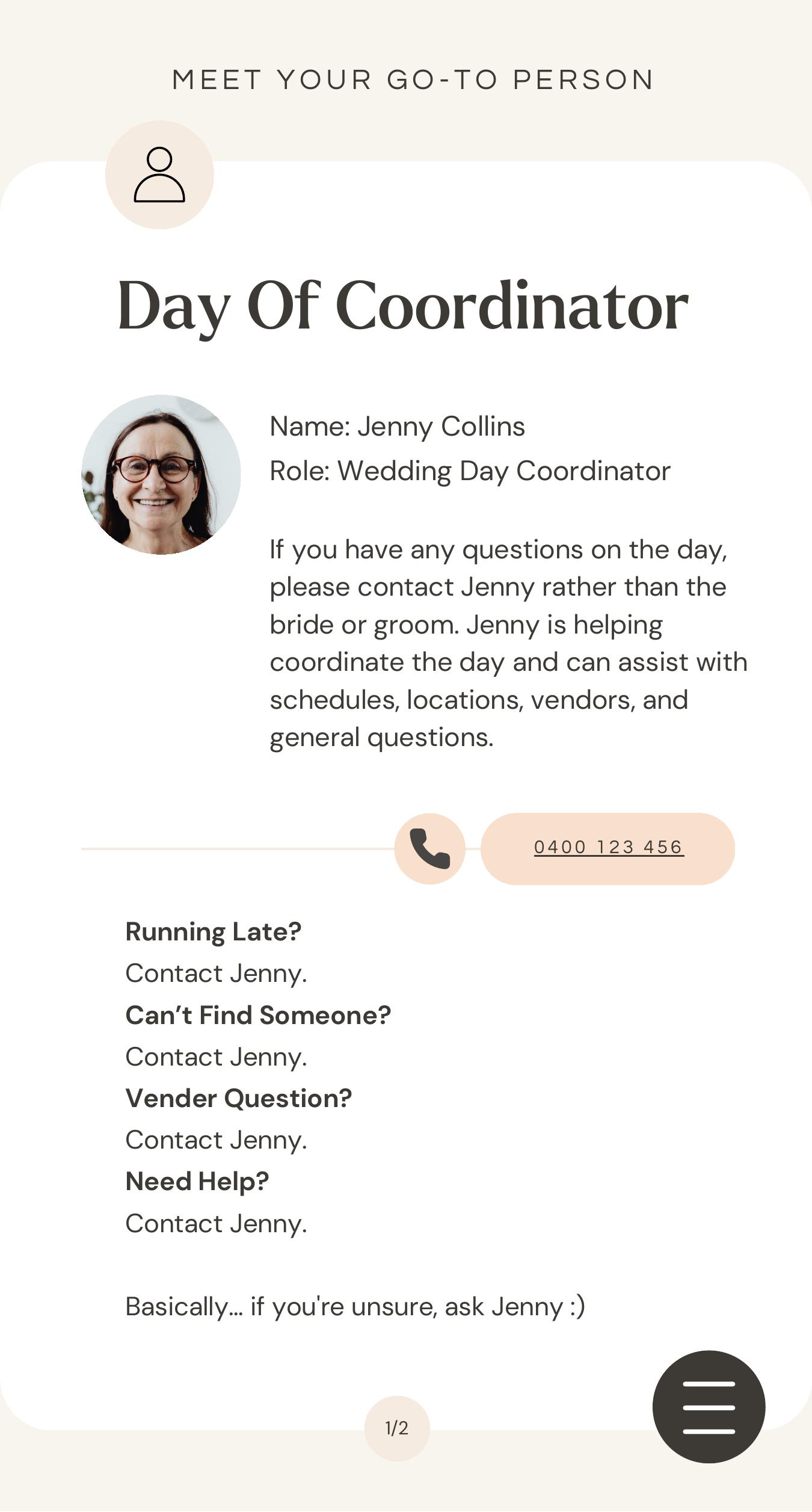
- Day Of Coordinator
Logistics
- Accommodation
- Vendor Arrivals
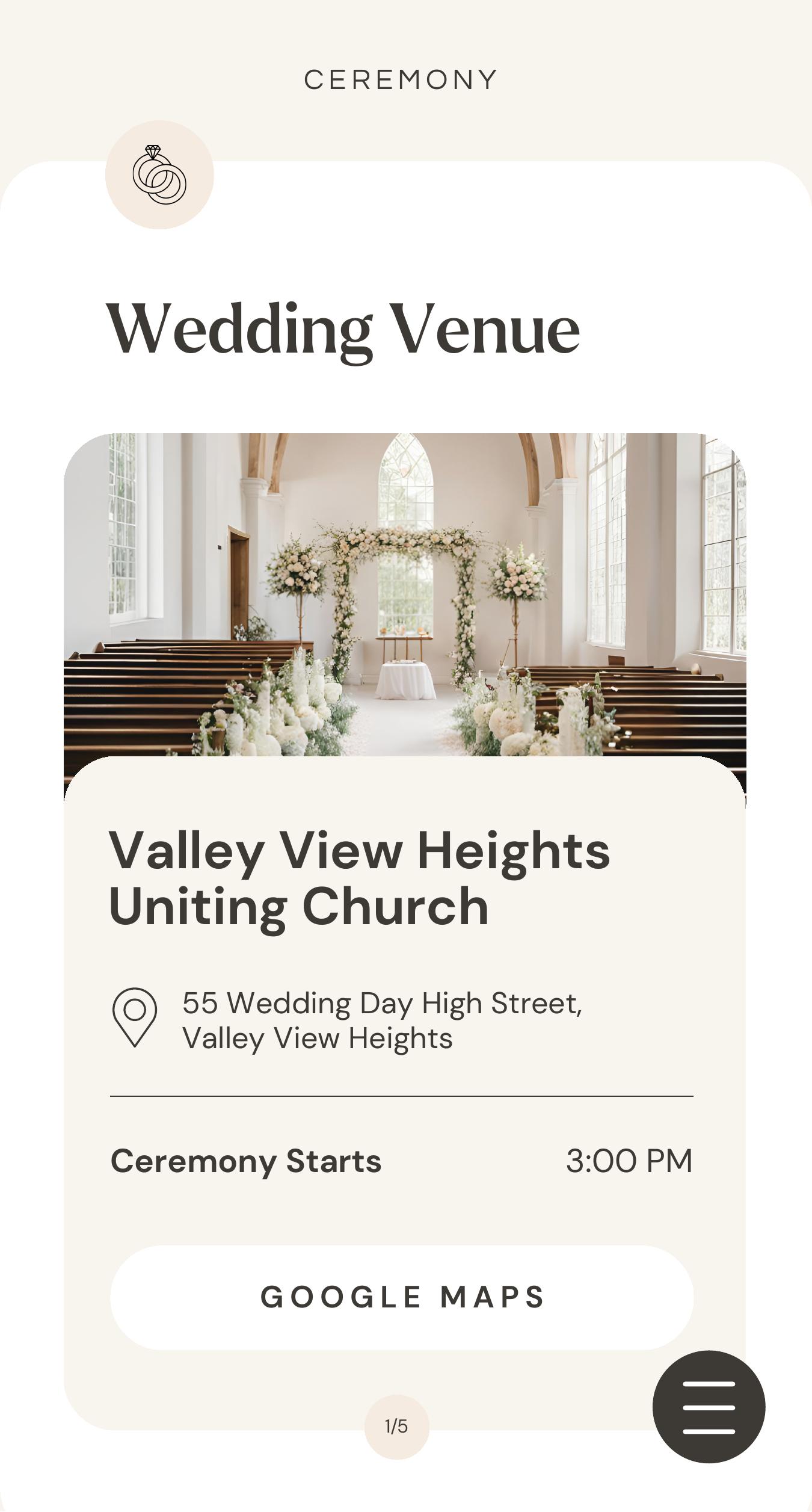
- Locations & Maps
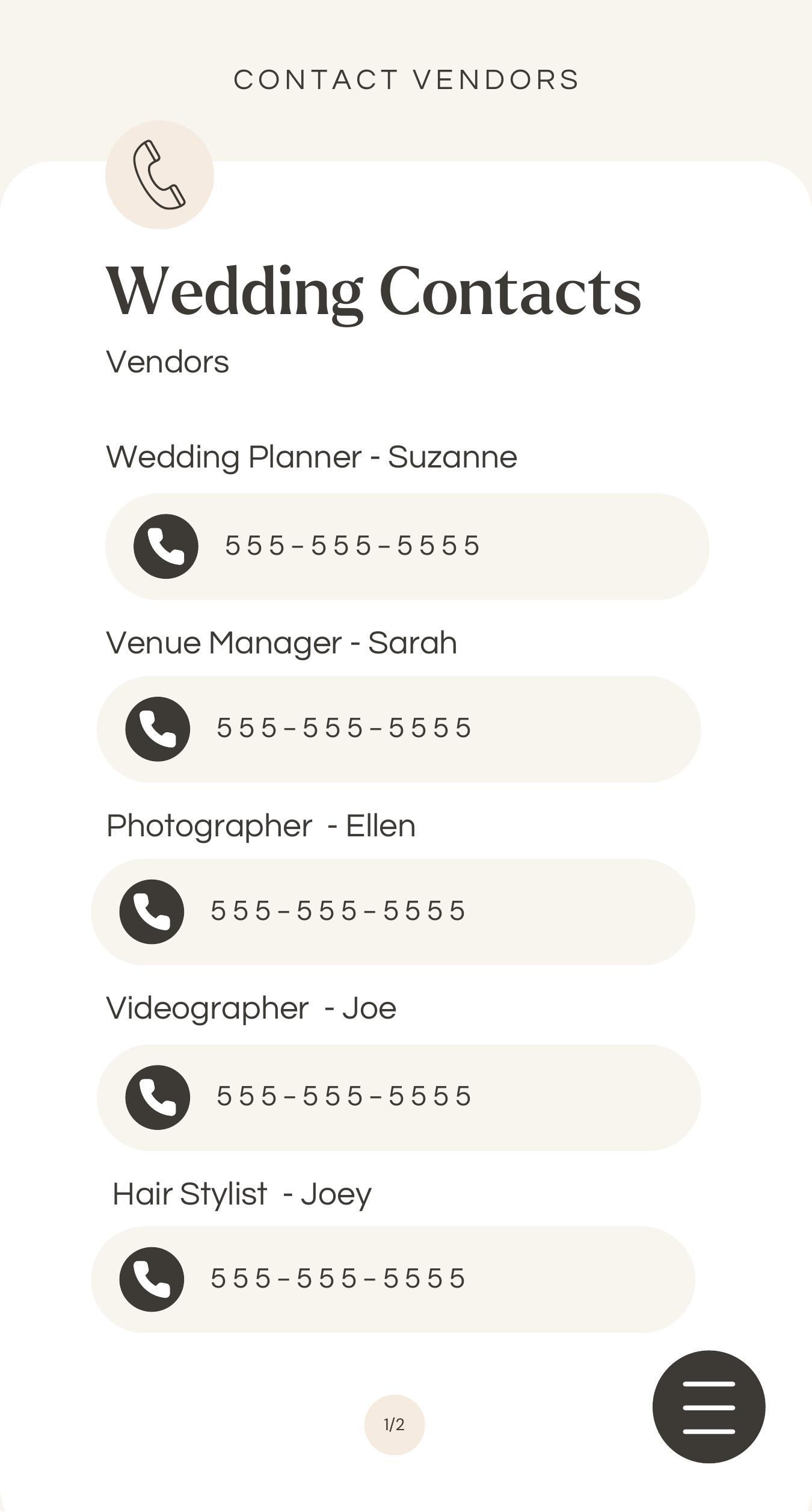
- Important Contacts
- Packing Checklist
More than just a timeline
Have fun making it feel like you.
Pick your vibe with cover options, welcome and thank you pages, and a cheeky wedding day rules page for that extra bit of personality.
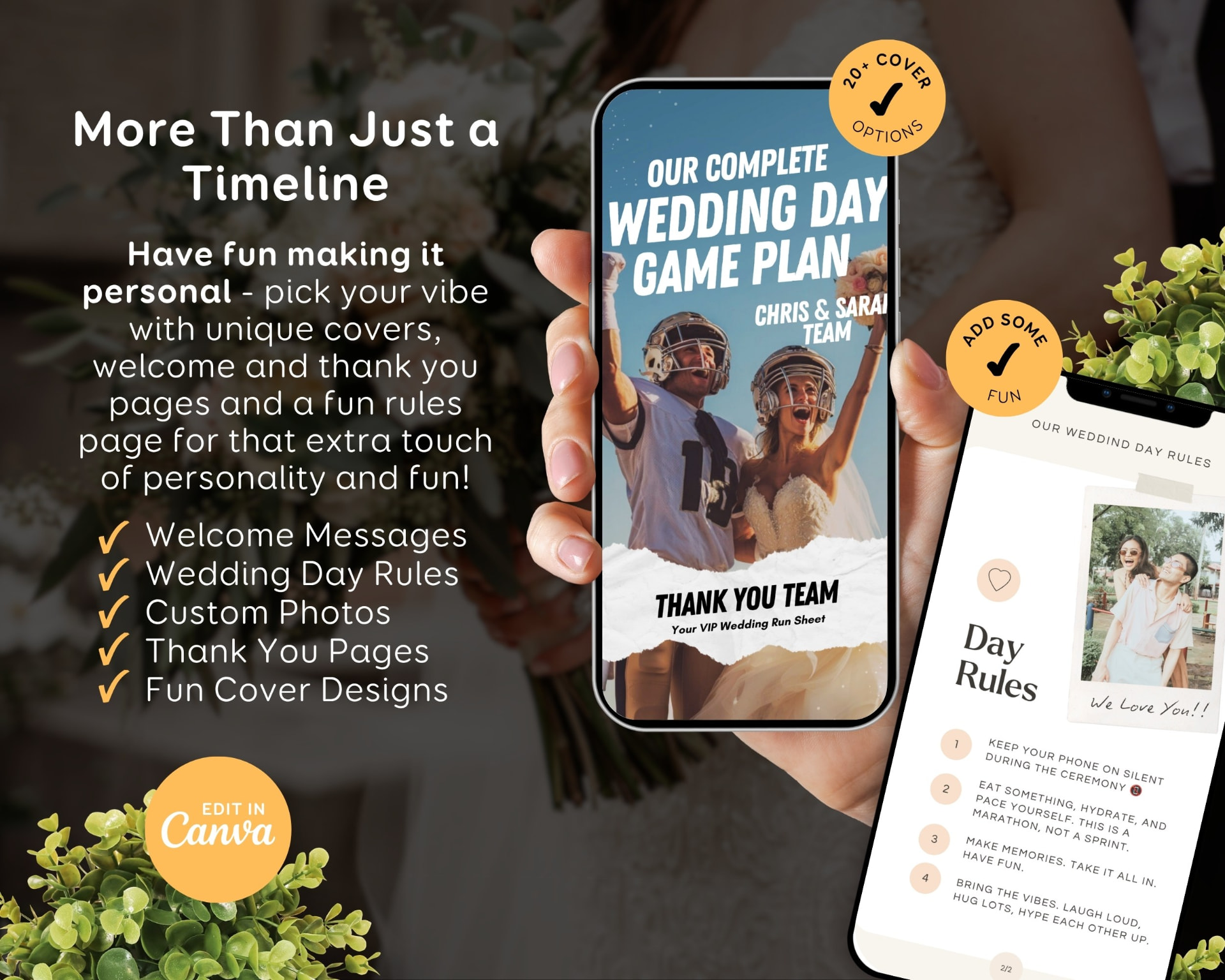
- Welcome Messages
- Wedding Day Rules
- Custom Photos
- Thank You Pages
- Fun Cover Designs
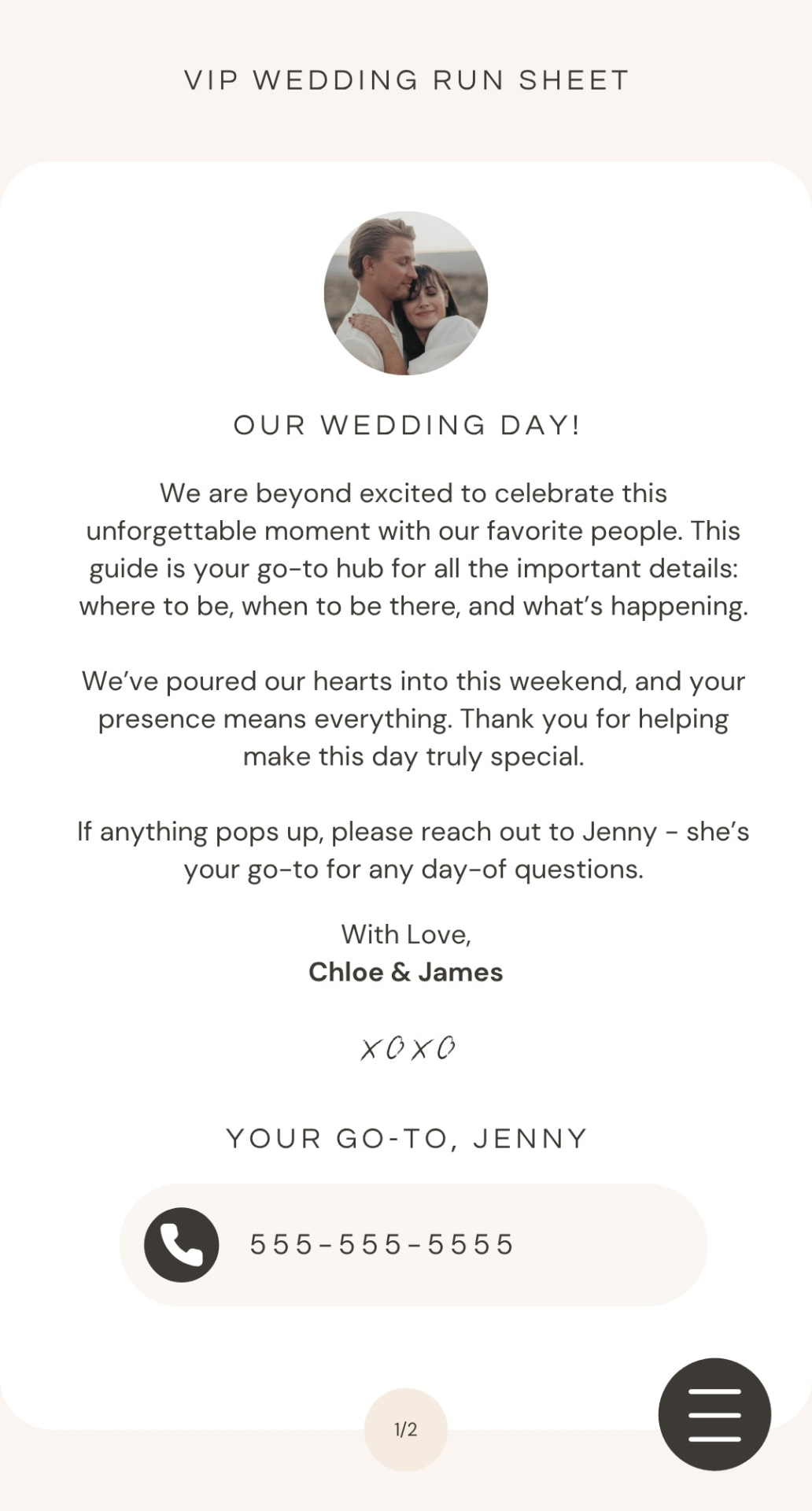
App-Style
Everyone has the plan
in their pocket.
Everything they need.
Right when they need it.
Everything your wedding party needs to know, easily accessed on their phones.
Truly your own
Every page, menu and icon is fully editable.
Nothing is locked. If your day needs something different, change it — this is your FULLY EDITABLE Game Plan, not a fixed form to fill in.
Pages
Add, duplicate or delete any page you like.
Menu items
Rename the menu and its buttons to match your day.
Colours
Swap the palette to suit your wedding styling.
Fonts & wording
Every word and heading is yours to rewrite.
Photos & icons
Drop in your own photos and change the icons.
Structure
Keep what helps, remove what doesn't. Nothing is locked.
See how easy it really is:
How does it work?
Three steps, start to shared.
Purchase the template
You'll instantly receive a PDF containing your Canva template link and setup instructions.
Get creating
Sign up for a free Canva account or log in, then edit text, swap photos, update colours and add your clickable links.
Download & share
Export as a PDF and send it to your wedding party, family and vendors. That simple.
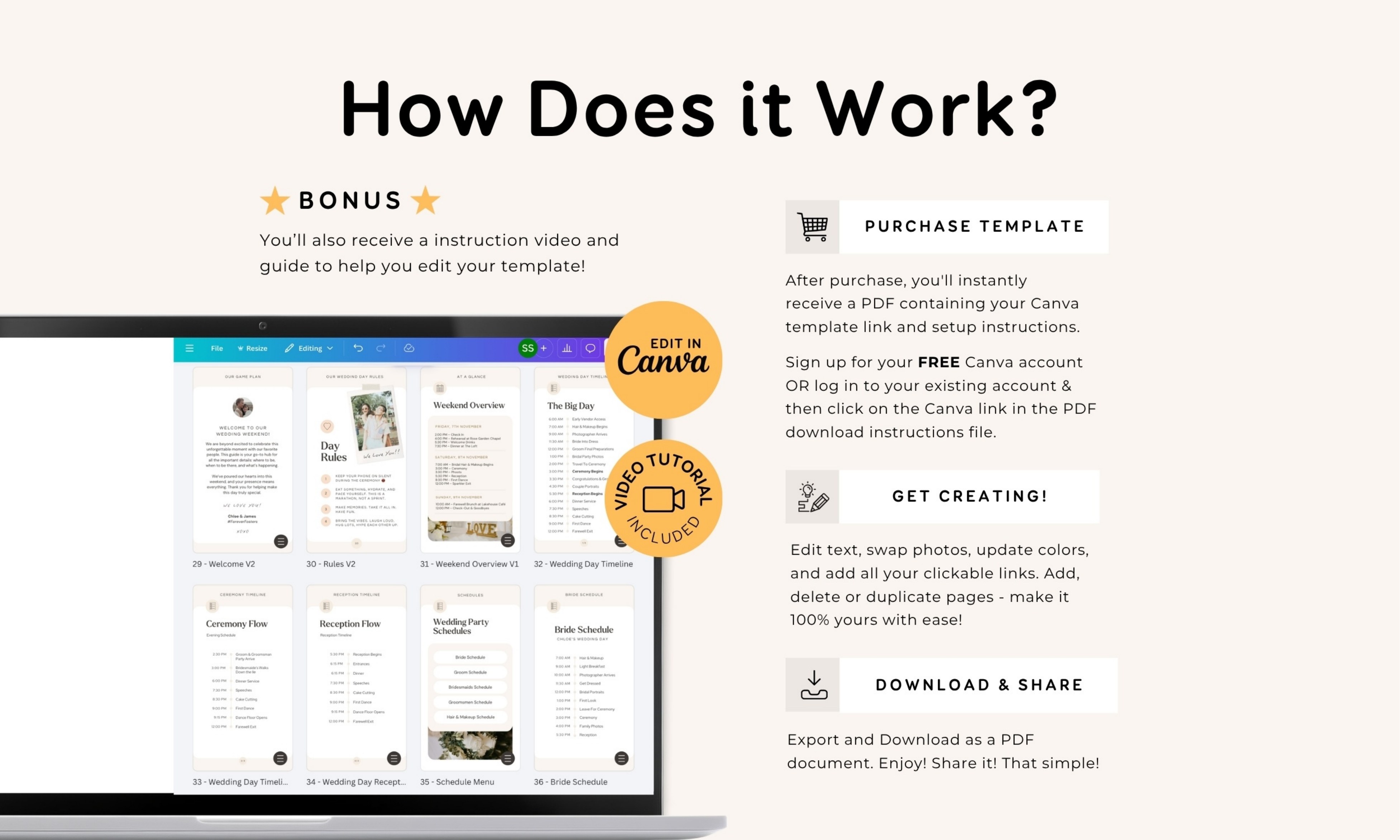
An instruction video and guide
You'll also receive an instruction video and guide to help you edit your template, so you're never left guessing where to start.
- Video tutorial included
- Setup instructions in your download
- Edit again any time in your Canva account
The wedding morning you actually want
Everyone knows the plan. You get to be present.
Your maid of honour checks the timeline instead of asking. Your dad finds the address himself. Your photographer knows when family photos start. Your phone stays quiet, and you're where you should be — in the moment.
Less answering. More being there.
Who it's for
You'll probably recognise yourself here.
The couple who planned everything
You know every detail by heart. You'd love to stop being the only one who does.
Couples without a coordinator
No one is holding the running sheet, so it keeps living in your phone notes.
Couples who do have one
Your coordinator runs the venue. Your people still need their own timings and contacts.
Anyone who wants a calm morning
You want to get ready with your favourite people instead of answering messages.
Kind words
From couples who've used it.
“Love it! Excellent template, easy to work with.”
“So easy to use! Much needed.”
“This is such a great purchase.”
Your Game Plan
The Wedding Day Game Plan template
A phone-sized, app-style wedding day guide you edit in Canva and share as a PDF.
- Canva template with phone-sized pages
- Planning, wedding party and logistics pages
- Cover, welcome, rules and thank you page options
- Every page, menu item and icon fully editable
- Clickable menu, phone numbers and links in the PDF
- Instruction video and setup guide included
Instant access · Edit in Canva · Share as PDF
In case you're wondering
The thoughts most couples have.
“I'm not really techy.”
You only fill in your own details. The layout, links and menu buttons are already built for you, and an instruction video walks you through it.
“We already have a coordinator.”
Wonderful — they run the venue side. Your wedding party, family and vendors still need their own timings, locations and contacts, and this is where they find them.
“Our plans keep changing.”
So does your Game Plan. Update it in Canva, export a fresh PDF and share it again, right up to the week of the wedding.
“My people aren't great with tech.”
There's nothing to install or sign up for. They open one file and tap a big button to get where they're going.
Common questions
Good to know before you start.
It's a document designed for phone screens. You edit it in Canva, then export and share it as a PDF. Once exported, all the links you create inside it — phone numbers, websites, maps and menu buttons — keep working.
No, and that's the point. There's no app to download and no account for anyone to set up. It simply looks and behaves like one when it's opened on a phone.
No. A free Canva account is all you need to edit your template.
Absolutely. Canva gives you full editing, so you can add new pages, duplicate the ones you love and change colours, fonts, images, icons and text.
Once exported, send it as an attachment by email, text message or WhatsApp, or upload it to a cloud service like Drive or iCloud and share the link. Instructions are included.
Yes. Your template stays saved in your Canva account, so you can keep updating it as plans change right up to the day.
It can be. Your coordinator looks after the venue side of things, while your wedding party and family still need their own timings, locations and contacts in one place.
You can, though it's designed for phone screens. Printed copies won't have the tappable links.
You planned every detail.
Now let yourself enjoy it.
Share the plan once, and spend your wedding day being present with the people you love.